
SigmaOS 0.23
F for Focus 👨💻 • New Wallpapers 🏞 • Better Preferences ⚙️

Hey hey, it’s Ali 👋 – I’m back with an awesome SigmaOS update! Click here to update.
F for Focus 👨💻
We want SigmaOS to be the best browser for focused work.
So today we’re introducing Focus Mode – hit F to temporarily hide everything except your current web page.
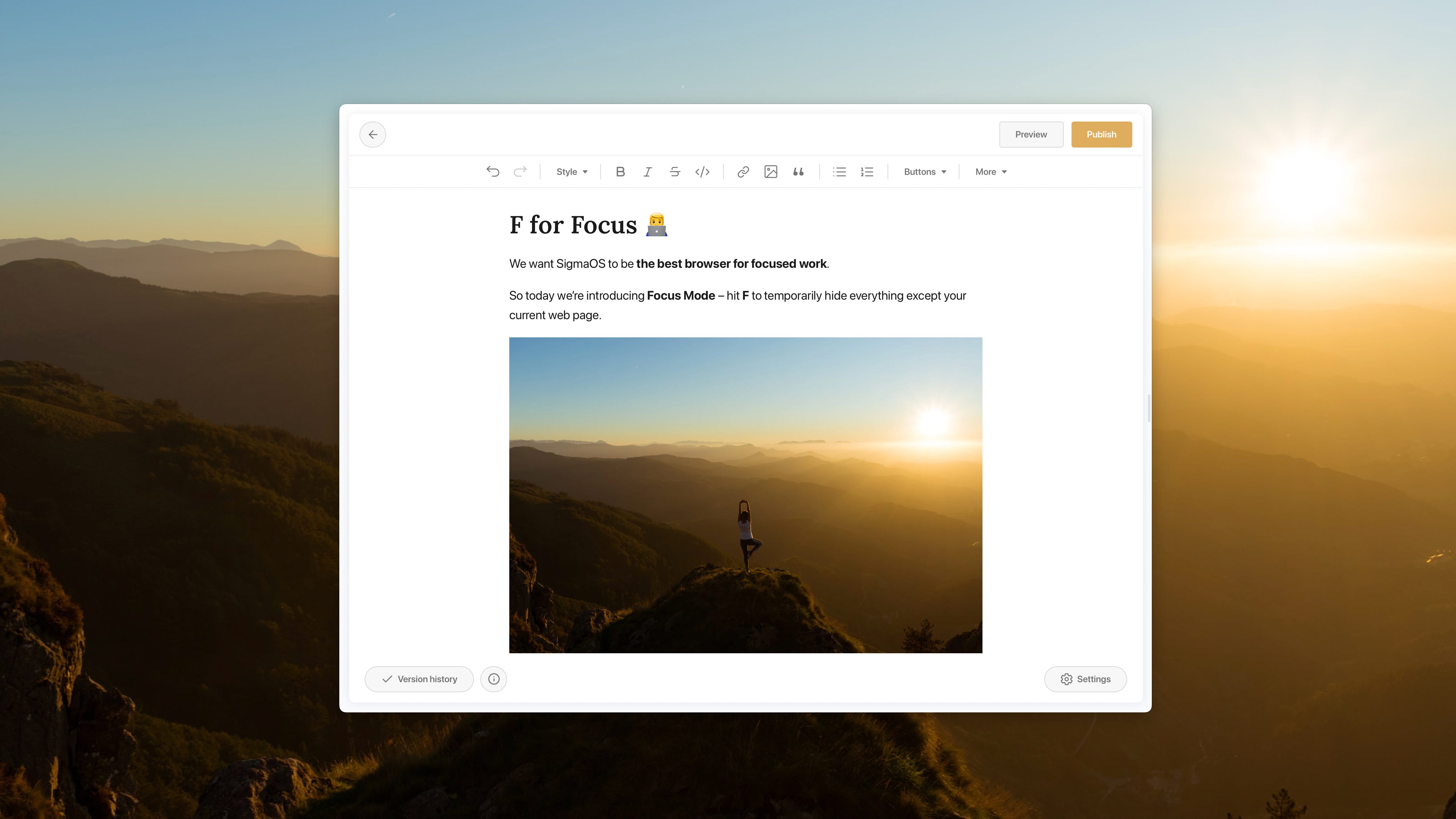
👩💻 Focus and hide all distractions by hitting the F key
👀 Peak at your open tabs by hovering on the left of your window
✅ Finish by hitting F again to leave the focus mode
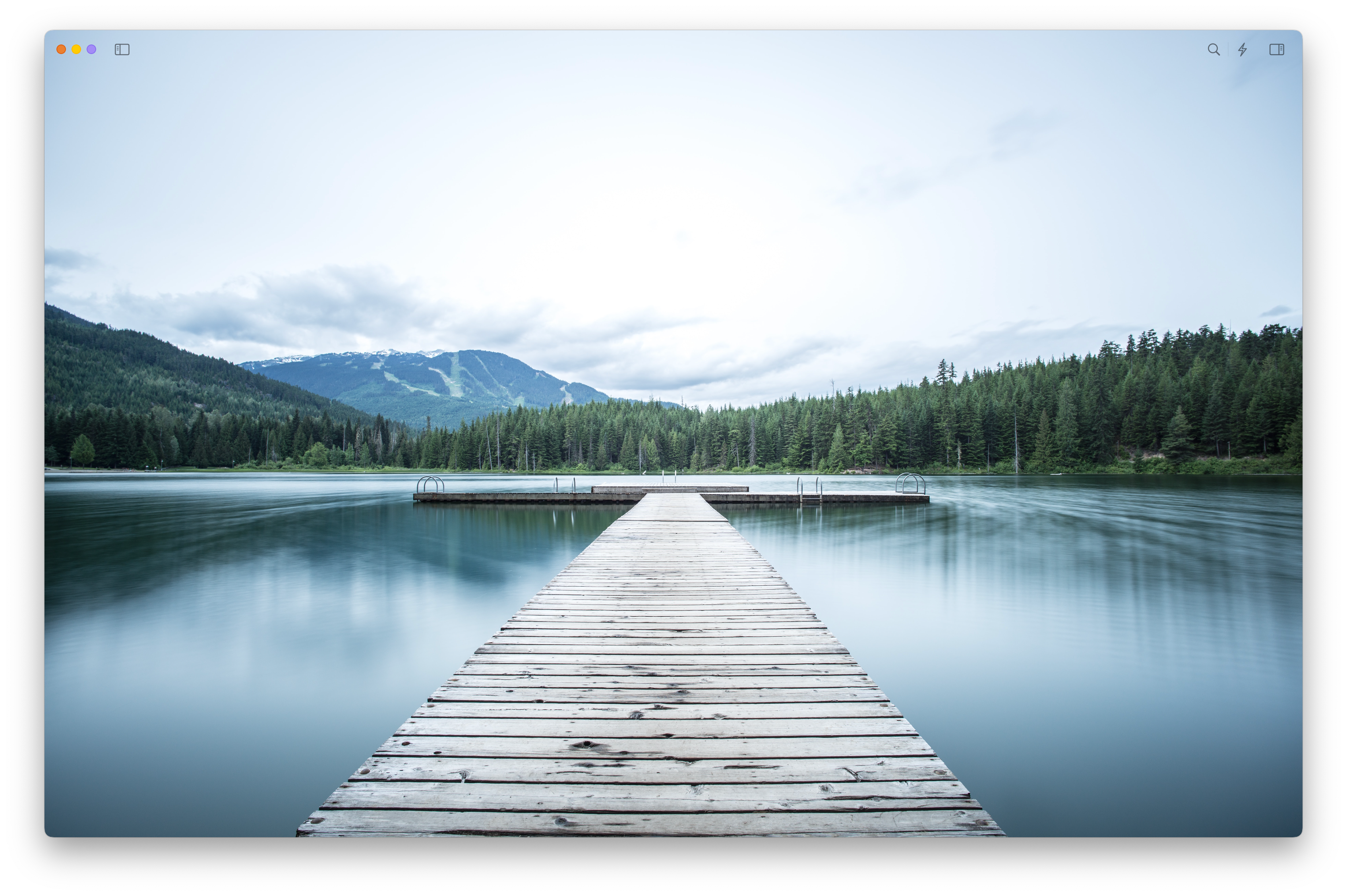
New Workspace Wallpapers 🏞
We added new fresh images for yor cleared workspaces. Enjoy the view!
Preferences ⚙️
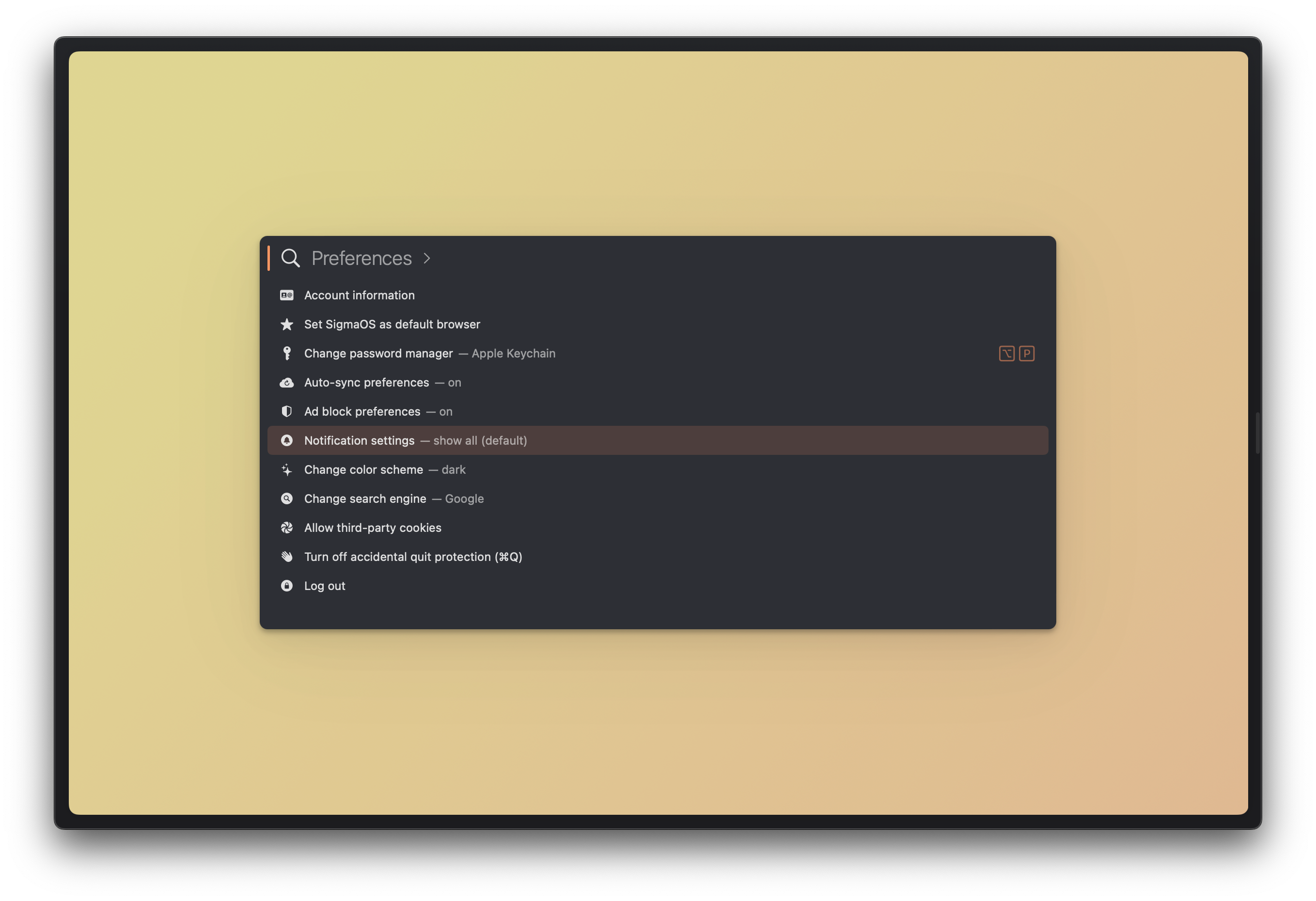
Quickly access all your preferences from the app menu or by hitting ⌘ + ,.
Popular requests 🧡
📊 Google Docs copy-pasting now works without requiring a separate extension
😱 macOS Ventura beta now supports SigmaOS properly
🐌 Coda and a few other webpages now don’t get weirdly stuck on load
⚡️ Performance was drastically improved for the Lazy Search and the Left Panel
😁 And a few other things…
Right-click pasting is supported more widely, improve extensions compatibility, allow loading about:blank as a URL, more consistent downloads, left-panel auto-shows when hovering on the left and it is closed, and the usual bug fixes and performance improvements behind the scenes!
So what’s next?
More preferences ⚙️ – to easily manage your page and workspace preferences.
More extensions 🧩 – we’re even closer to supporting a wider spectrum of extensions
Thank you!
Don’t forget to send us feedback, join the community, refer your friends so they can also use SigmaOS, and tweet at us @SigmaOS.
See you soon! 👋
Get release notes straight in your inbox!